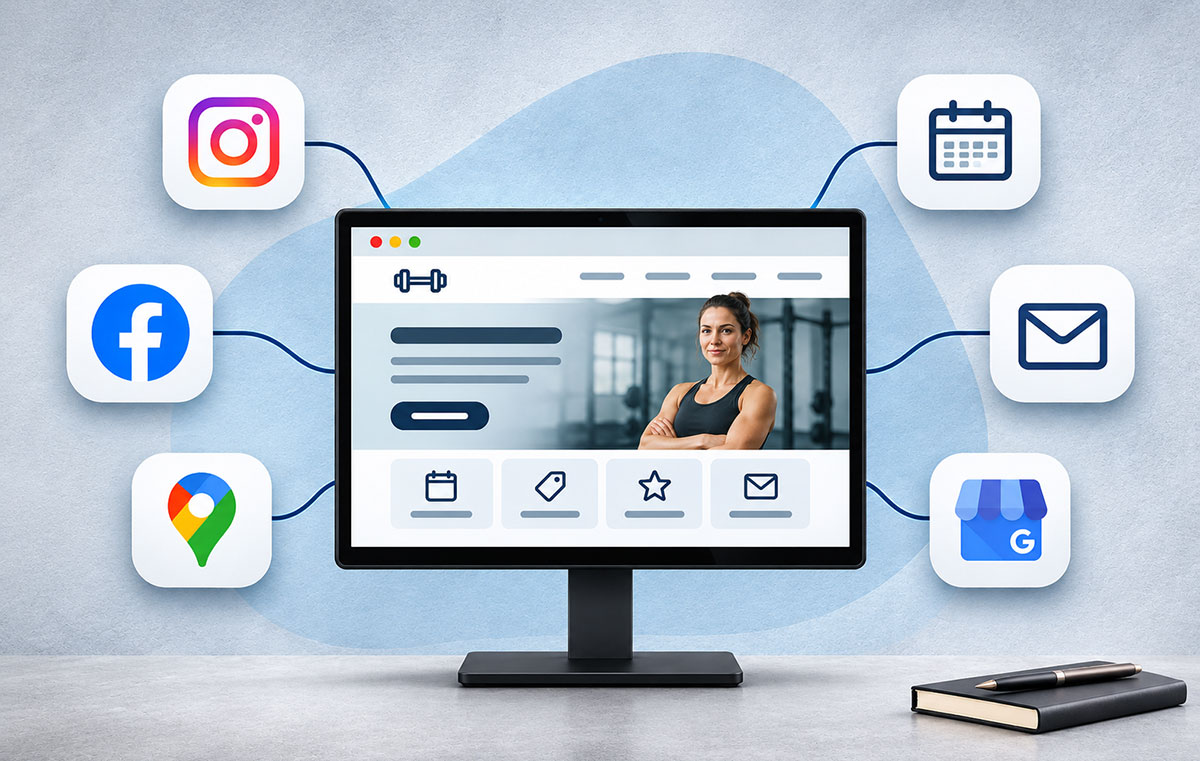
Social Commerce Strategies for Direct Selling
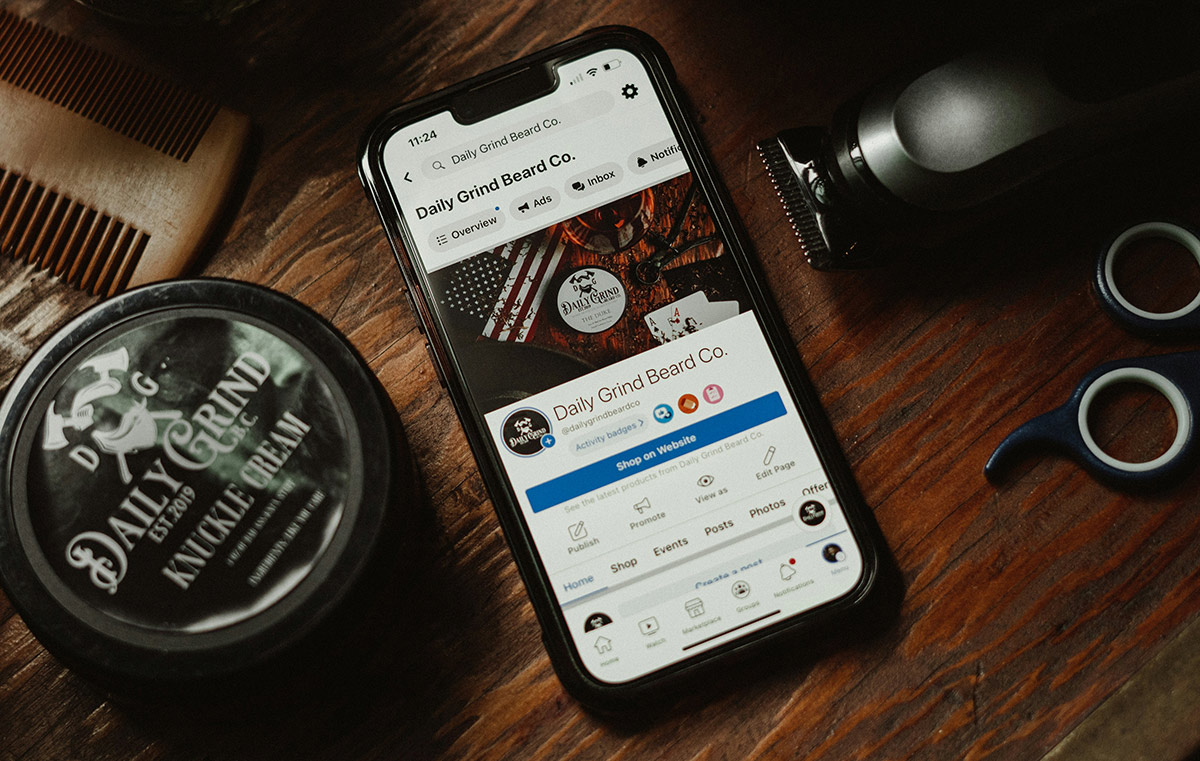
Social commerce lets customers move from a social media post or conversation to a product page or checkout. For direct sellers, it offers a way to demonstrate products, answer questions and make purchasing easier. The exact tools vary by platform and country, so check which features are available to your account before building a sales plan around them.
Start with a clear path from the content to the order. Decide where customers will see product details, how they will ask questions and where they will complete a purchase. Then measure whether people follow that path.
Choose Social Platforms Around Your Customers
Choose platforms based on where your likely customers already spend time and what kind of product demonstration works for your offer. A visual product may suit photo and video posts. Products that need explanation may benefit from live demonstrations or a community where customers can ask questions.
Review each platform’s current shopping features, audience settings and checkout options before committing. Some accounts can tag products or direct shoppers to a website, while other features may be limited by location, account type or platform rules. Keep a product page or other reliable order destination ready in case in-app checkout is unavailable or changes.
Do not try to maintain every channel at once. Pick one or two, publish regularly and check which posts lead to product page visits, enquiries and orders.
Make Content Answer Buying Questions
Plan posts around the questions a customer needs answered before buying. Show how a product works, what comes with it, how it compares with another option and who it suits. A short demonstration of a storage product, for example, could show its size beside a familiar household item.
Use captions to add details viewers might miss in a video, such as dimensions, materials, delivery terms or care instructions. Give each post one clear next step, such as viewing the product details, asking a question or placing an order.
Keep a record of questions in comments and messages. If several people ask about the same feature, make a post or demonstration that answers it. Add lasting details to the product page so a future customer does not need to search through old posts.
Work With Influencers and Customers Transparently
An influencer partnership works best when the creator’s audience has a genuine reason to care about the product. Review the creator’s recent posts and the questions their followers ask. Agree on the product, the claims they can make, the content format and how orders or enquiries will be tracked.
Set a modest test before expanding a partnership. Use a distinct link or discount code where appropriate, then compare visits and orders with the cost of the collaboration. A large follower count alone does not show whether a partnership brings relevant buyers.
Ask customers for permission before reposting their photos, videos or reviews. Keep their original meaning intact and avoid presenting an unusual result as typical. If a creator or customer receives payment, a free product, a discount or another benefit in return for promotion, disclose the relationship clearly in the content. Platform disclosure tools may help, but the FTC says the tool alone does not guarantee an effective disclosure. European Commission guidance also explains disclosure duties for commercial social media content in the EU. Check the rules that apply where you and your customers are based.

Use Personalisation and Analytics With a Clear Purpose
Personal recommendations only help when they make the choice easier. Start with simple ways to guide shoppers, such as grouping products by use, size or price. If your platform offers automated recommendations, check what information they use, whether customers can understand the suggestions and how to correct inaccurate product details.
Use analytics to find where customers leave the buying path. Track a small set of measures, such as product page visits, add-to-cart activity, completed orders and returns. Compare results by product and content type. A post with many views but few product page visits may need a clearer demonstration or next step. A product page with visits but few orders may need better details about fit, delivery or returns.
Review results over a consistent period and avoid judging a change from a small number of orders. Record what you changed so you can tell whether the content, offer or checkout experience made a difference.
Make Checkout and Customer Support Clear
Before promoting a product, test the full order process on a phone. Check that the product link works, the price and delivery information are clear and the buyer can find the return terms. If checkout happens on your website, remove unnecessary steps and make it clear when an order has been completed.
Tell customers where to ask for help and when they should expect a reply. During a live demonstration, assign someone to follow the chat if possible. If you sell alone, explain how customers can send questions and where answers will appear after the broadcast.
Meet Consumer and Advertising Rules
Social posts can function as advertising and as part of a sale. Give customers accurate product descriptions, prices, delivery information and relevant terms before they order. Make the seller’s identity and a way to contact the business easy to find. Rules differ across countries, so check local requirements for consumer sales, returns, advertising and personal data.
Be careful with claims about product results and customer earnings, especially in direct selling or multi-level marketing. Keep claims accurate and supported. Do not present exceptional outcomes as typical. If other sellers promote products for your business, give them clear guidance on approved claims and disclosure rules, then review their public promotions.
Test New Shopping Features Before Investing
Features such as augmented reality, automated recommendations and in-app checkout may suit some products and audiences. Treat them as options to test, not requirements for social commerce. Ask the platform or supplier to demonstrate the full customer experience on a typical phone. Check the cost of setup, the work needed to keep product information current and the support available when something fails.
Run a small test with a specific goal. For example, check whether a virtual product view helps customers understand size, or whether a recommendation leads shoppers to a relevant alternative. Compare the results with a simpler product demonstration or product page. Keep the feature only if it solves a clear customer problem and the added work makes sense for the business.