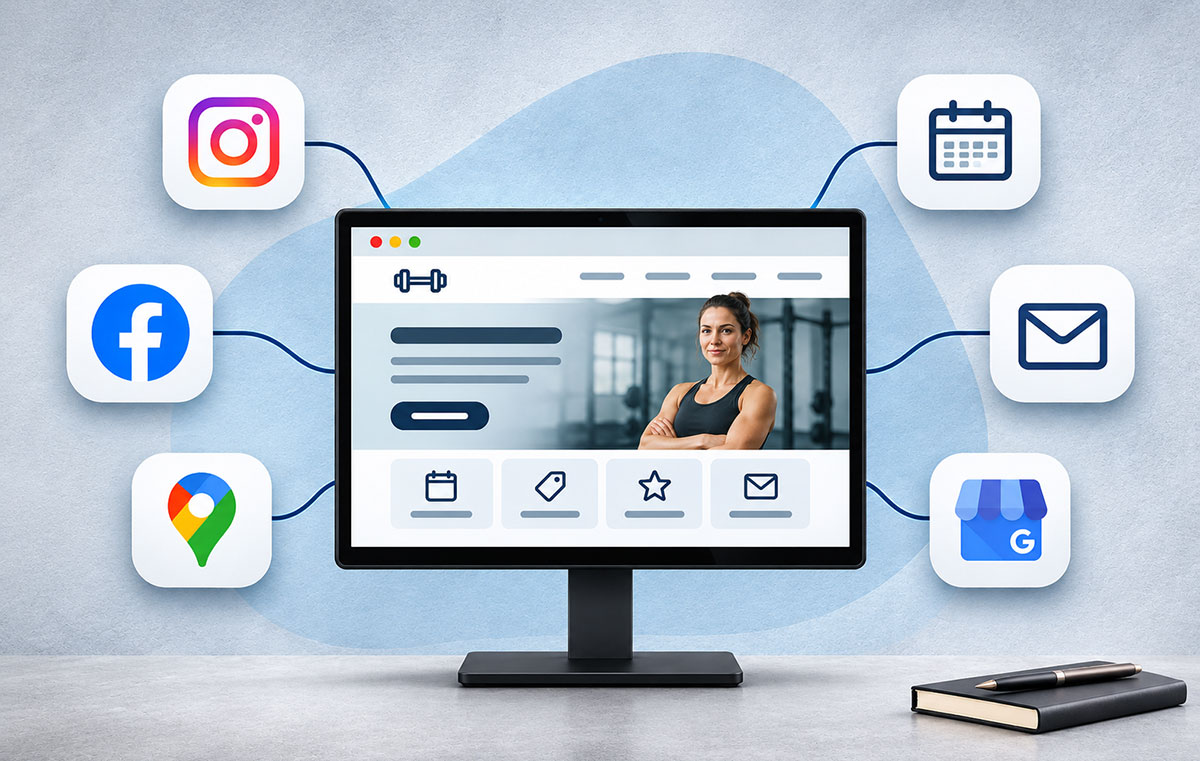
Shoppable Livestreams: Integrating E-commerce with Live Video Content
A shoppable livestream combines a live product demonstration with a route to purchase. Viewers watch a host use or explain products, ask questions and follow product links during the broadcast.
The buying process depends on the platform. Some shopping features support purchases within an app. Others send viewers to a retailer’s website. Before planning a broadcast, check which features your account supports and where your customers will complete their orders.
The format suits products which benefit from explanation. A clothing retailer might compare the fit of two jackets. A kitchen shop might demonstrate a blender with different ingredients. Give viewers a useful reason to watch beyond hearing a list of prices.
What Shoppable Livestreams Offer Buyers and Sellers
A Demonstration With Questions Alongside
A product page presents information chosen in advance. A livestream adds a conversation. A viewer asks about the lining of a jacket, and the host shows the inside. Another asks whether a bag fits a laptop, prompting a demonstration with the relevant measurements.
Prepare your main talking points, then leave room for questions. The value comes from showing details buyers struggle to judge through photographs or short descriptions.
Keep the purchase route visible and explain how to use the product links. New viewers arrive throughout a broadcast, so repeat essential buying instructions between demonstrations.
Benefits for Your Business
Use live questions to identify missing product information. If several viewers ask about sizing, update the product page and size guide after the event. If people struggle to distinguish two models, build a clearer comparison.
A broadcast also gives your team material for future content. Plan demonstrations around specific questions so individual sections work as short videos or product-page explanations.
Treat sales growth as an outcome to measure. A busy chat does not establish commercial success. Compare orders, costs and returns before deciding whether another broadcast deserves more budget.
Benefits for Customers
Buyers receive explanations while watching a product in use. Show scale, texture, assembly or movement where relevant. Explain limitations alongside benefits so viewers have enough information to choose.

For example, demonstrate how a compact bag holds everyday essentials, then show which larger objects do not fit. Useful boundaries help people decide whether the product suits their needs.
Make price, delivery information and the purchase route easy to find. Avoid making customers search through comments for basic details while the presentation moves on.
Choose the Platform Before Planning the Show
Shopping features differ across platforms, countries and accounts. Check seller eligibility, supported products, shipping coverage and checkout behaviour before promoting an event.
YouTube Shopping
YouTube supports product tagging in livestreams for eligible creators. Selling your own products requires an eligible channel and a connected store. Product visibility also depends on the viewer’s location and the seller’s shipping coverage.
YouTube’s desktop workflow includes a Shopping tab beneath the livestream preview. Eligible creators use this area to add product tags before broadcasting. Prepare the selection in advance and match the products to your presentation.
Do not assume every viewer completes a purchase inside YouTube. Shopify’s documentation distinguishes eligible US merchants with in-app checkout from merchants outside the US, whose customers are directed to their online store.
Test the complete journey using the account, products and devices involved in your event. Confirm the correct item opens and the customer reaches a working checkout.
TikTok Shop LIVE
TikTok Shop supports shoppable livestreams in supported markets for eligible accounts. Its UK guidance describes linking products to a LIVE session so viewers browse and purchase while watching.
Check the requirements for your own market before adopting instructions from another country. Confirm your account has the necessary selling access and your intended products are available for the broadcast.
Prepare the product selection before going live. A focused group is easier to present than a large catalogue, especially when one person handles both demonstrations and questions.
Facebook Live and Instagram Live
Older guides often list Facebook and Instagram alongside native live-shopping platforms. Facebook discontinued Live Shopping in October 2022. Instagram removed product tagging from live broadcasts in March 2023.
A live video and a shoppable livestream are different capabilities. For any broadcast built around an external store, establish a clear route from the video to the relevant product pages. Verify the current account features before promising viewers an integrated shopping experience.
Broadcasting Through Your Own Website
For a website-based setup, assess the video player and shopping integration together. Request a demonstration using a real product, including variants, stock availability and checkout.
Check the mobile experience first. Viewers need readable product details and usable controls on a small screen. Establish whether opening a product interrupts playback and whether returning to the broadcast is straightforward.
Build the Broadcast Around a Buying Decision
Choose a Specific Topic
A focused session gives viewers a clearer reason to attend. Compare three waterproof jackets for different uses, demonstrate a simple skincare routine or explain the differences between two coffee grinders.
Choose products with enough variation to support a useful discussion. If every item receives the same description, shorten the selection or choose a different topic.
Write down the questions a buyer needs answered before ordering. Use those questions to organise the presentation.
Replace General Claims With Demonstrations
The following are planning examples rather than reported brand results.
For a beauty session, show the amount applied, application method and finish under consistent lighting. Explain the product’s intended use without promising identical results for every viewer.
For clothing, give the model’s relevant measurements and the size worn. Show the garment from different angles and demonstrate movement. Compare two sizes if fit is the main buying concern.
For kitchen equipment, prepare a repeatable task. Show preparation, operation and cleaning. Explain practical restrictions, including capacity or storage needs, using accurate product information.
Prepare a Short Running Order
For an initial test, use a manageable sequence:
- Introduce the topic and explain how viewers access the products.
- Demonstrate the first item and answer relevant questions.
- Compare alternatives using the same criteria.
- Explain delivery information and any genuine offer conditions.
- Answer outstanding questions before ending the broadcast.
Assign an approximate duration to each section. Leave space for discussion, but avoid stretching the event to fill a predetermined slot.
Keep a product sheet nearby with accurate prices, specifications and stock information. Refer to the sheet when answering detailed questions rather than guessing.
Prepare the Technology and the Audience
Test the Complete Shopping Journey
Run a rehearsal with a second person watching on a phone. Ask them to check sound, picture quality, product visibility and the checkout route.
Test product variants as well as the main listing. A link to the correct jacket still creates confusion if the demonstrated colour or size is unavailable.
Check your connection and reduce background noise. Position the camera so viewers see the demonstration clearly. For close-up work, rehearse moving products into view without covering important details.
Prepare a fallback message for a failed product link or interrupted stream. Keep the relevant product-page addresses available to whoever handles questions.
Give Viewers a Reason to Attend
Promote the question your session will answer. “Compare three jackets for wet-weather commuting” gives a clearer expectation than “Join our live shopping event.”
Publish the date, time and time zone wherever you announce the broadcast. Explain which products or comparisons viewers will see.
Use existing customer channels before spending heavily on promotion. Share a short demonstration preview and invite relevant questions in advance.
If working with a creator, review their presentation style and audience fit. Agree on the products, responsibilities and reporting before booking the session. A large following alone gives little information about likely purchases.
Manage Questions During the Event
Where staffing permits, separate presenting from moderation. The host demonstrates products while another person collects questions and checks links.
Group repeated questions so the presenter answers them clearly once. Use polls or quizzes only when they support the topic and the platform offers suitable tools.
Give late arrivals enough context to follow the session. Briefly identify the product under discussion and repeat the purchase instructions at natural breaks.
Measure Sales and Deal With Practical Limits
Record Costs Alongside Revenue
Set a primary goal before the event. For an initial sales test, record orders and revenue alongside the cost of preparation, staffing, promotion and any platform charges.
Use campaign-tagged links for website visits where your setup supports them. Record the attribution window used in your reporting. Separate purchases during the broadcast from purchases after viewers watch the replay.
Review cancellations and returns before judging profitability. A session with high initial revenue deserves closer examination if discounts or fulfilment costs consume the margin.
Investigate Where Viewers Stop
Different problems require different changes:
- Few relevant viewers: review the topic, promotion and audience.
- Viewers leave early: examine the opening and demonstration pace.
- Product clicks without orders: test price clarity, availability and checkout.
- Repeated questions after demonstrations: improve the explanation or camera view.
Compare several sessions before drawing broad conclusions. Change one major element at a time where practical, such as the product selection or opening demonstration.
Use Viewer Questions to Plan Your Next Livestream
After each livestream, review the chat and list questions left unanswered. Group them by product and topic, such as sizing, materials or delivery.
Use those questions to plan specific demonstrations. If viewers ask whether a bag fits a laptop, show the laptop going inside and give its dimensions. If several people ask about clothing sizes, compare the fit of two sizes and explain the measurements.
Add useful answers to the relevant product pages too. Before your next broadcast, prepare these demonstrations and brief whoever handles the chat so viewers receive consistent answers.