How to Implement Marketing Automation: Workflows, Content and Testing

Marketing automation uses rules to send messages or update customer records after a specific event, such as a newsletter signup. A welcome email is a simple example. A longer sequence also needs rules for timing and follow-up messages, including when to stop sending them.
The work shifts from sending each message manually to designing and maintaining the process. An incorrect rule deserves particular attention because every eligible contact follows the same instructions until someone spots the problem.
Understanding Marketing Automation
How an Automated Workflow Works
A workflow connects a trigger to one or more actions. Between those steps you add conditions or delays to control the next action. For example, a newsletter signup starts a welcome sequence while a language preference determines which version the subscriber receives.
Mailchimp’s automation flows use triggers, rules and actions. Available steps include email sends, time delays, conditional splits and contact updates. Access to particular tools varies by plan.
Before building a sequence, write down what qualifies someone to enter, what happens after each step and which change should stop further messages so a completed purchase or sales conversation receives appropriate treatment.
From Email Sequences to Connected Processes
A scheduled email sequence sends prepared messages at set intervals. A workflow connected to customer records also uses changes in those records to guide the next step. The distinction matters when a prospect becomes a customer halfway through a sales sequence.
Avoid assuming every marketing platform includes the same automation features. List the required actions before comparing products. A business sending a welcome series has different requirements from a sales team routing leads between territories.
=> Also read: The Top Marketing Automation Tools

Benefits of Marketing Automation
Following Up Without Rebuilding Each Campaign
A prepared sequence removes the need to select recipients and schedule every follow-up manually. For example, a training provider running monthly webinars could prepare registration confirmations and reminder messages as a reusable process.
The planning work still needs an owner. Someone must approve the copy, check dates and inspect the recipient rules before reusing the workflow. Reuse is most useful when the process repeats with limited changes.
More Consistent Lead Management
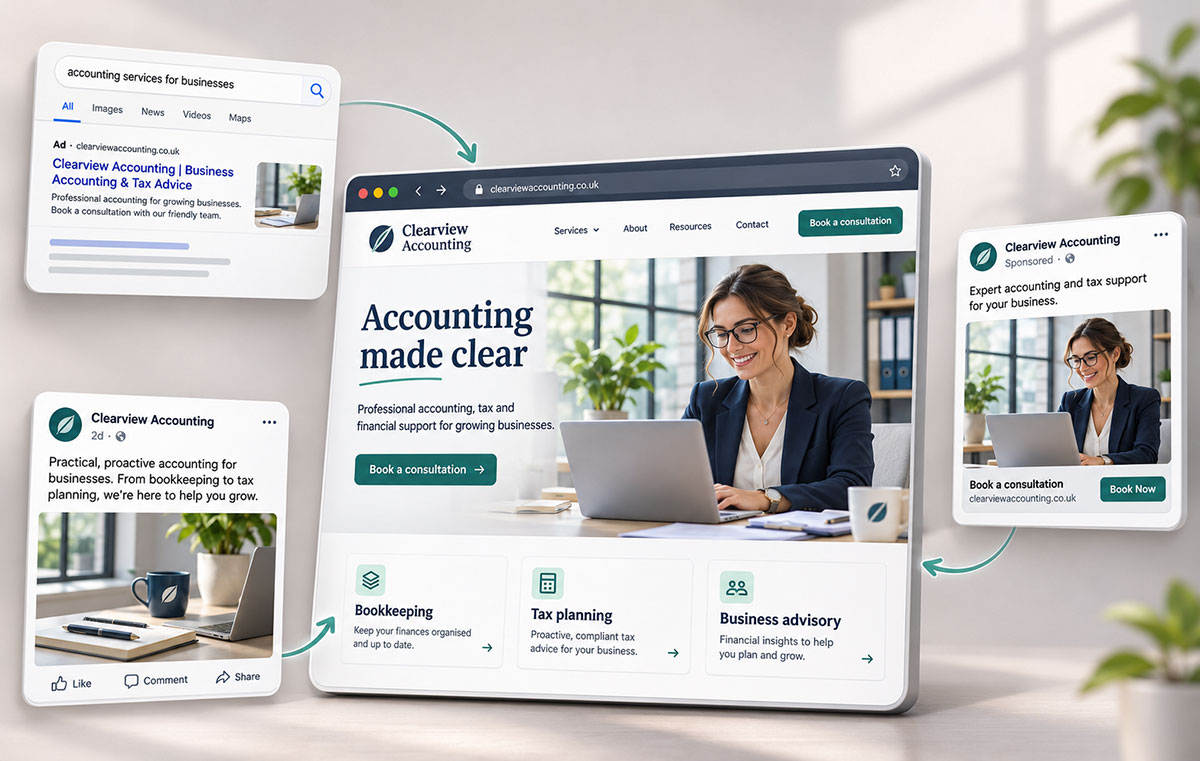
Lead nurturing means providing useful information while a prospect considers a purchase. A suggested sequence for an accounting service could explain the onboarding process after someone requests a consultation, then stop once a meeting is booked.
Lead scoring assigns points to selected characteristics or actions to help prioritise follow-up. Treat a score as a working rule rather than proof of buying intent. Before assigning points to a downloaded guide, ask the sales team how often those downloads lead to relevant conversations.
For a small team, a clear handover rule often deserves attention before a detailed scoring model. Define who receives a new request and what information accompanies the notification.
Messages Based on Relevant Customer Information
Personalisation extends beyond adding a first name. A proposed onboarding sequence for a software business could send different instructions to account administrators and everyday users because each group needs help with different tasks.
Use information your business already holds for a clear purpose. If a field is missing, provide a suitable default message rather than sending an empty greeting or assigning someone to an unsuitable branch.
Clearer Campaign Reporting
Define the outcome before building the report. For a consultation sequence, track booked meetings alongside the number of eligible contacts. For onboarding, identify a meaningful completion step such as attending an introductory session.
Record the starting point before launch so you have a useful comparison when reviewing results, particularly if the sales team changes its follow-up process or a new offer launches during the same period.
A recorded conversion after an email does not prove the email caused the sale. Separate observed results from claims about additional revenue.
Challenges of Using Marketing Automation
Implementation and Integration
Connecting two systems involves more than completing an authorisation screen. Your team needs agreement on which system owns each field and how updates should move between records.
For example, create a test contact in your CRM, change the preferred language and inspect the corresponding marketing record. Repeat the test in the opposite direction if updates are intended to travel both ways. Document which value takes priority when the systems disagree.
Include duplicates and missing fields in the test. A clean demonstration record gives limited evidence about how the integration handles an existing database.
Content and Strategy Requirements
Each branch creates another message to write, approve and maintain. A sequence with several audiences and languages quickly becomes a larger editorial task than the workflow diagram suggests.
Map the questions each message needs to answer. Someone comparing suppliers needs different information from a new customer preparing for their first appointment. Remove steps with no clear purpose rather than filling the sequence with generic reminders.
Keep an inventory of automated messages with links to their workflows. Assign review dates to content containing prices, product instructions or time-limited offers so changes reach automated emails as well as public pages.
Data Quality and Privacy Responsibilities
An outdated customer status creates a practical problem: a recent buyer receives another sales pitch. Missing language preferences create another: the workflow sends the wrong version.
List the fields each workflow uses and define acceptable values. Give someone responsibility for investigating missing or conflicting data.
Keep privacy and communication permissions within the implementation review. Ask the responsible person to approve the proposed use of contact data, the permission records and the unsubscribe process before activating marketing messages. This review needs to reflect the audience and applicable rules rather than a platform’s default settings.
Keeping Human Support Available
Automation needs a handover route for replies or situations outside the prepared sequence. Name the person or team responsible for reviewing incoming responses.
For a proposed appointment sequence, a reply requesting a different date should reach someone able to help. Test the reply address and write down how staff should pause further reminders while resolving the request.
Putting Marketing Automation Into Practice
Start With One Complete Process
Choose a repeatable process with a clear end, such as welcoming new newsletter subscribers. Write the messages and define entry rules before adding extra branches.
Test the full route with sample records representing different situations. Include a contact with missing information and another who should be excluded. Check the resulting messages rather than relying solely on the workflow preview.
Include exit rules in the design. HubSpot’s contact workflows support suppression segments and workflow goals for removing contacts. The relevant settings vary by workflow type, so inspect the controls available for your chosen workflow.
Train Staff for Specific Responsibilities
Give the workflow owner practice reviewing enrolment history and pausing a sequence. Show sales staff how to report an incorrect handover with the affected record and expected result.
Training should cover a realistic failure. For example, ask the owner to investigate why a test customer entered a prospect sequence. Record the steps needed to find the rule and correct the record.
Use Short Review Cycles
Apply agile marketing through small, documented changes rather than adding another management framework. Launch a limited process, review the first contacts passing through and correct problems before expanding the audience.
Change one important element at a time when practical. If you rewrite every email while changing the timing and entry criteria, the next report provides little evidence about which adjustment influenced the result.
Give Consultants a Defined Brief
External help is useful for a specific gap such as CRM field mapping or repairing an existing integration. Describe the required behaviour and agree on acceptance tests before work begins.
Request a workflow map, field definitions and operating instructions as part of the handover, with a named internal owner able to pause the automation and investigate failed steps after the consultant leaves.
For ongoing support, specify who handles failed syncs, content changes and platform updates. Agree on access permissions and document how your team will remove external access when the engagement ends.